
The membership guide
What’s included in VARIETI membership?
Explore the full UK directory membership, from profiles, local discovery and buyer briefs to client reviews, PDF quotes, invoices and The Social Slide.
Find Out More Free to build. £9.99/month to publish. 0% booking commission.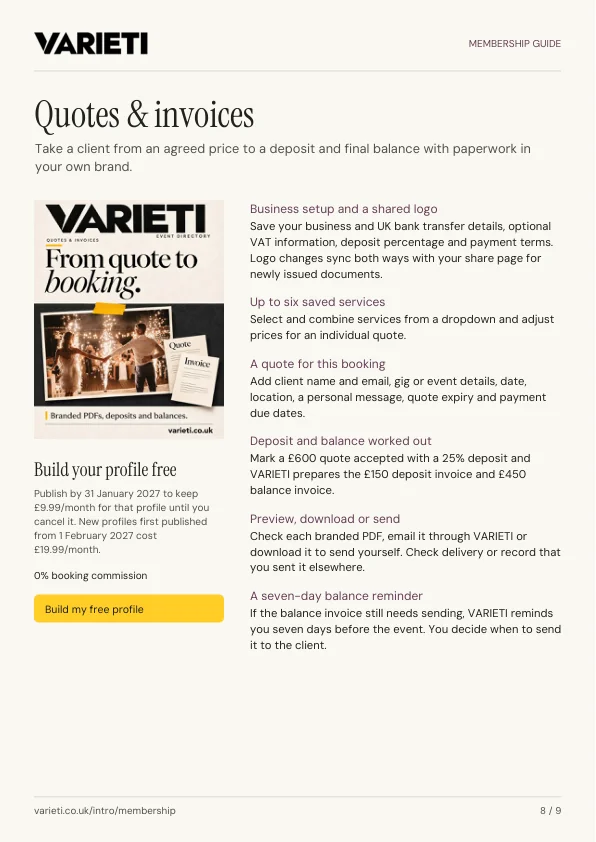
Chapter 01
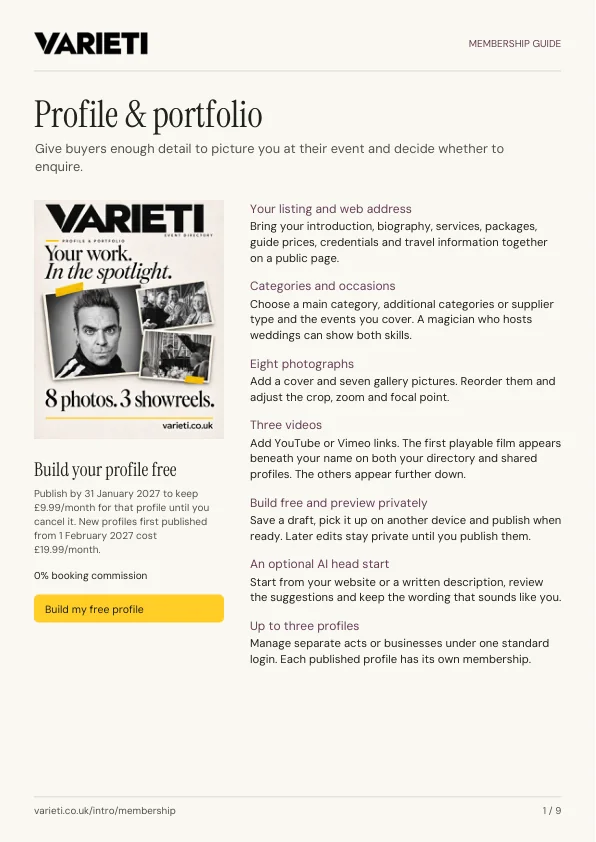
Profile & portfolio
Give buyers enough detail to picture you at their event and decide whether to enquire.

- Your listing and web address
- Bring your introduction, biography, services, packages, guide prices, credentials and travel information together on a public page.
- Categories and occasions
- Choose a main category, additional categories or supplier type and the events you cover. A magician who hosts weddings can show both skills.
- Eight photographs
- Add a cover and seven gallery pictures. Reorder them and adjust the crop, zoom and focal point.
- Three videos
- Add YouTube or Vimeo links. The first playable film appears beneath your name on both your directory and shared profiles. The others appear further down.
- Build free and preview privately
- Save a draft, pick it up on another device and publish when ready. Later edits stay private until you publish them.
- An optional AI head start
- Start from your website or a written description, review the suggestions and keep the wording that sounds like you.
- Up to three profiles
- Manage separate acts or businesses under one standard login. Each published profile has its own membership.
Chapter 02
Link in bio & QR
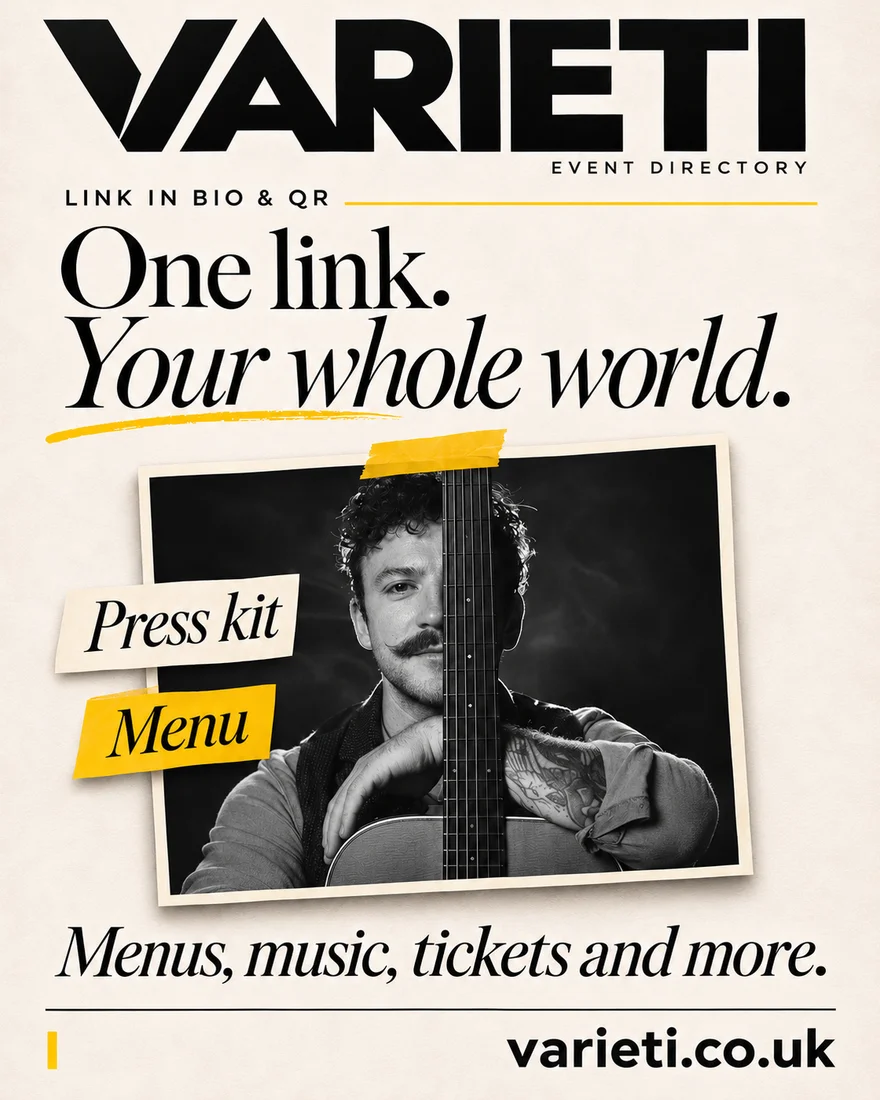
Give someone you meet at a gig, fair or showcase one address for everything you do.
- A page in your colours
- Set your logo, background, buttons and booking action. Preview your Linktree-style page on desktop and mobile.
- Buttons for any public link
- Add as many as you need, with custom labels and icons. Link to Spotify, tickets or a press kit, or to a menu, brochure, tasting calendar or quote form.
- One short address to share
- Use it in a social bio, Story, email signature or proposal. Share to WhatsApp, Facebook, LinkedIn or through your phone’s share menu.
- A QR card for meeting in person
- Show it full screen, download a PNG or print it for your stand. Scanning it opens your branded profile.
Chapter 03
UK & Google discovery
Reach buyers who know what they need and where they need it, even if they have never heard your name.

- Service, place and occasion
- Buyers can look for close-up magic for a Bristol wedding or photo booth hire in Kent and follow a link to a relevant member.
- Local SEO when you publish
- Published services and coverage update your search information, internal links and sitemap. Use the suggested search description or supply your own.
- Across all four UK nations
- Cover towns, villages, cities, counties, boroughs, districts and islands. Your profile distinguishes your base, named service areas and nationwide travel.
- Visibility from the first listing
- One qualifying member can be discovered through their profile and category. Three genuine matches can qualify for a local comparison page. Google decides what it indexes and ranks.
- Fair directory exposure
- Listings shuffle and top spots are never sold. Rotating homepage spotlights, event guides and lucky-dice discovery give buyers more routes to members.
Chapter 04
Direct enquiries
Let clients contact you the way you already run your business, and agree your own fees and terms.

- Choose your booking route
- Set the availability button wording. Route it to My Studio, a booking page, a compatible embedded CRM form or your agent’s approved booking destination.
- Make contact easy
- Add phone, email, WhatsApp, website and social buttons. Set an email subject or prefill a WhatsApp message.
- An inbox for each profile
- Get email notifications and reply by email from My Studio. See sent replies and delivery status. The buyer’s reply comes to your verified email address.
- Keep track of conversations
- Filter new or handled enquiries, mark them handled, archive, restore or delete them. You negotiate directly with the client.
Chapter 05
Client reviews
Put feedback from previous clients beside the work a new buyer is considering.

- Ask for a review directly
- Send your Write me a review link. Clients can publish their name, comments and a one-to-five-star rating without creating an account.
- Connect up to four sources
- Find a Google business by name or Maps share link, or add an authorised review page. Google supplies up to five selected reviews. Supported pages can supply individual reviews and other sources can appear as links.
- Reviews on the profile
- Up to three appear beneath your photos, before additional videos. Buyers can expand longer reviews or open your dedicated reviews page.
Chapter 06
Journal & Ask the Pros
Give your latest wedding, performance or event a page you can share with the next client.

- Tell the story behind the work
- Publish text, photography or video under your profile. Feature a real wedding, a case study, a new package or behind-the-scenes work.
- Choose how it looks when shared
- Save drafts, preview, edit and publish. Upload a social share image for a video story so it carries your chosen artwork.
- Answer planners in Ask the Pros
- Published performers and suppliers can answer matching planning questions in My Studio. A substantive published answer appears with your profile photo, location and a link to your listing. Up to three eligible members can contribute to a question.
- Turn readers into enquiries
- Stories link to your profile and your enabled booking route. Track article views and contact activity.
Chapter 07
Work & referrals
Hear about dates that fit your business and pass work to another member when you’re booked.

- Buyer Events
- View private matching briefs with date, location and indicative budget. Express interest to send your profile. New requests accept up to five member introductions per selected category.
- Gig Share and Event Share
- Performers use Gig Share and suppliers use Event Share. Post a date you can’t cover, browse opportunities, filter by category and put your profile forward.
- Alerts and private handovers
- Alert eligible members once, review interested profiles and pass client details privately to your choice. Control your opportunity email preferences.
- Referral rewards
- Track your personal referral link in My Studio. Every three referred members who complete their first qualifying full-price month earn you a free month on an eligible monthly profile. You can earn it again.
Chapter 08
Quotes & invoices
Take a client from an agreed price to a deposit and final balance with paperwork in your own brand.

- Business setup and a shared logo
- Save your business and UK bank transfer details, optional VAT information, deposit percentage and payment terms. Logo changes sync both ways with your share page for newly issued documents.
- Up to six saved services
- Select and combine services from a dropdown and adjust prices for an individual quote.
- A quote for this booking
- Add client name and email, gig or event details, date, location, a personal message, quote expiry and payment due dates.
- Deposit and balance worked out
- Mark a £600 quote accepted with a 25% deposit and VARIETI prepares the £150 deposit invoice and £450 balance invoice.
- Preview, download or send
- Check each branded PDF, email it through VARIETI or download it to send yourself. Check delivery or record that you sent it elsewhere.
- A seven-day balance reminder
- If the balance invoice still needs sending, VARIETI reminds you seven days before the event. You decide when to send it to the client.
Chapter 09
My Studio, insights & social publishing
See how people find and contact you, then keep your profiles and membership up to date from your phone.

- The Social Slide
- After your first successful membership payment, write a post in My Studio, add photos or a video, choose your channels and preview it. Publish to Facebook Pages, Instagram professional accounts, personal LinkedIn profiles and Threads profiles. Check the result for each channel in Post history.
- Activity from publication
- See listing impressions, profile visits, website and social clicks, phone, email, WhatsApp and booking-button clicks, and CRM form opens. Submitted VARIETI enquiries are counted separately.
- Detailed insights after 90 days
- See trends and recorded traffic sources. Distinguish buyers who came straight from Google from those who reached your profile through a VARIETI local page.
- Mobile-friendly My Studio
- Switch profiles, edit introductions, photos, films, contact details and links, and read the team’s Studio updates.
- Manage your membership
- Manage payment details, membership invoices, renewal, sign-in details and email preferences, or contact support.
- FacebookPages
- InstagramProfessional accounts
- LinkedInPersonal profiles
- ThreadsThreads profiles
Explore the full membership.
Take the tour to see how a buyer finds your work, makes an enquiry and books with you. Publish by 31 January 2027 to keep £9.99/month until you cancel that profile. Profiles first published from 1 February cost £19.99/month.
Find Out More Membership pricing